
Session Clips provides an alternative method for inserting Session View clips into Arrangement tracks. Displays Session clips from one of the project’s tracks in a floating window, allowing drag and drop to the arrangement.
It works with both audio and MIDI clips. It can display a total of 192 clips from the Session View.
In automatic mode it shows the Session clips of the selected track. In manual mode it is possible to choose the track, so that clips can be dragged to other tracks.
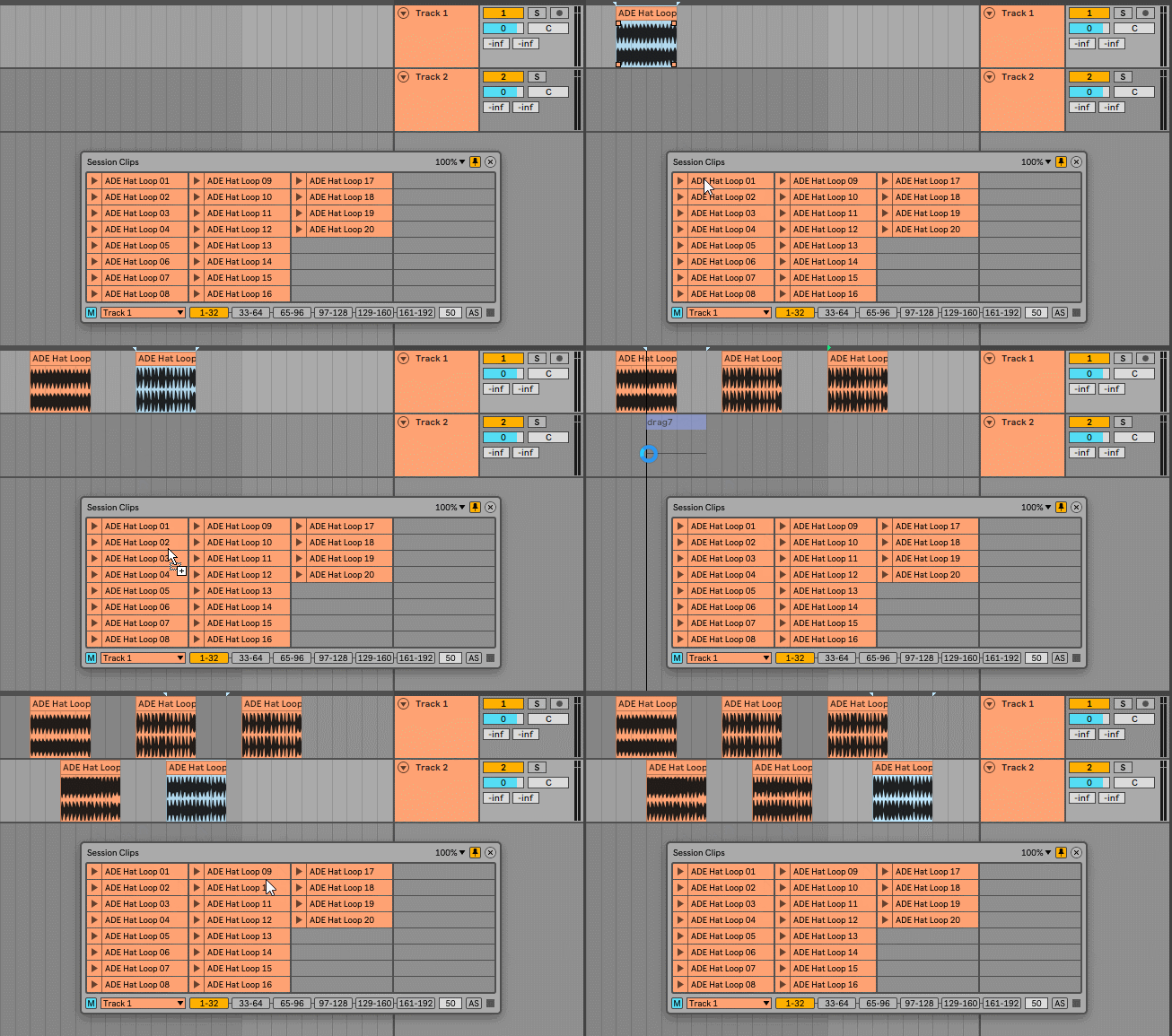
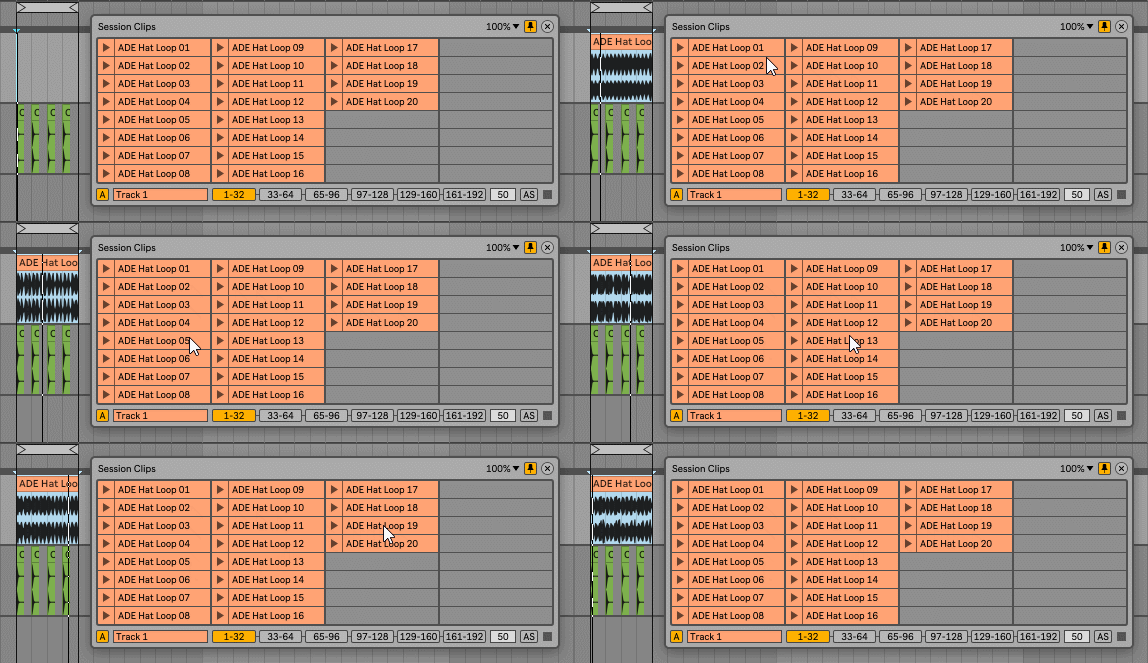
Another method to insert the clips is by clicking on them without dragging. They are inserted at the arrangement start cursor position, replacing existing clips. Useful for quickly choosing between different clips.
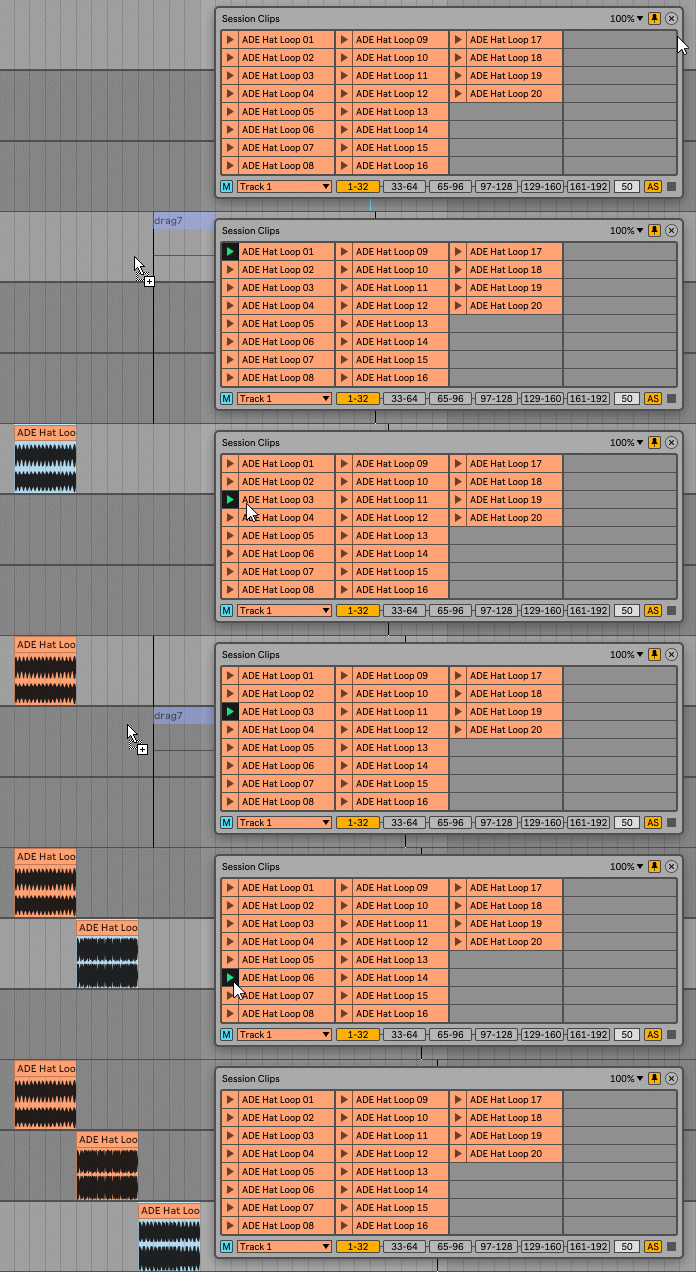
The device has an Auto-Stop feature. So a track can be used to preview cips and they stop when dragged into the arrangement.
Check the manual before buy.
Buy Session Clips now and get the latest version. Then later, all future updates free.