
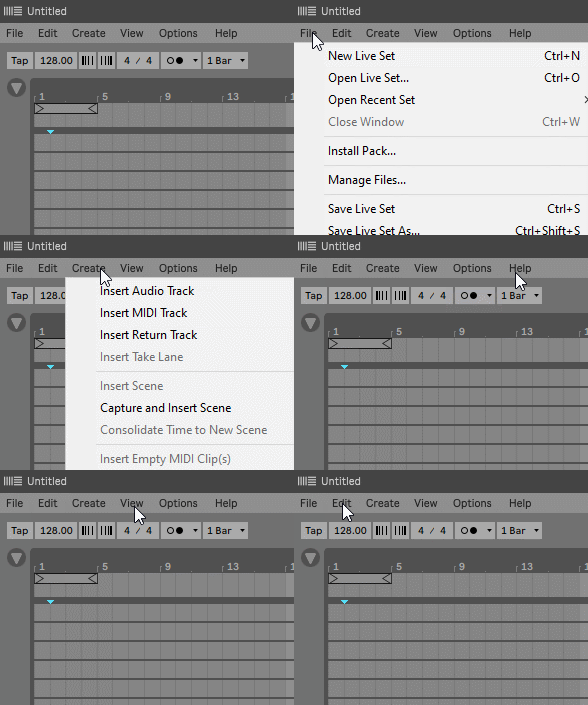
When working with Live in maximized window mode (not full screen), the menu bar (file, edit…) takes the colors defined by the operating system. Fancy Menu Bar allows you to customize the colors to fit Live’s theme, making the user experience more pleasant.
The device displays a floating window above the title bar and menu bar of the Live window. The colors of the background and the text of the title bar and menu bar can be customized independently.
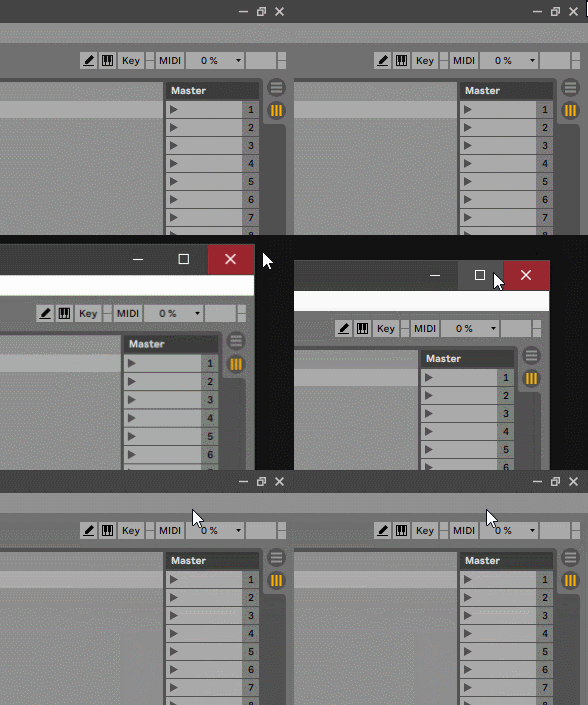
The device is a floating window that appears on top of all windows, even those of other applications. But when using the minimize and unmaximize buttons the device is hidden.
The device is automatically displayed again when maximizing the Live window.
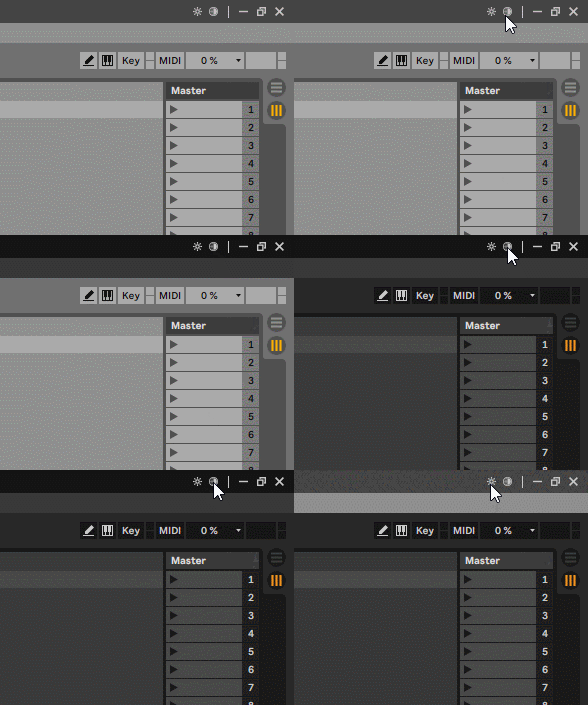
Since many users often use two color themes in Live, one light and one dark, the device has two buttons with which it is possible to change the color theme without having to open the Live preferences window.
Two custom color schemes can be set in the device settings to match each Live color theme.
Check the manual before buy.
Buy Fancy Menu Bar now and get the latest version. Then later, all future updates free.