
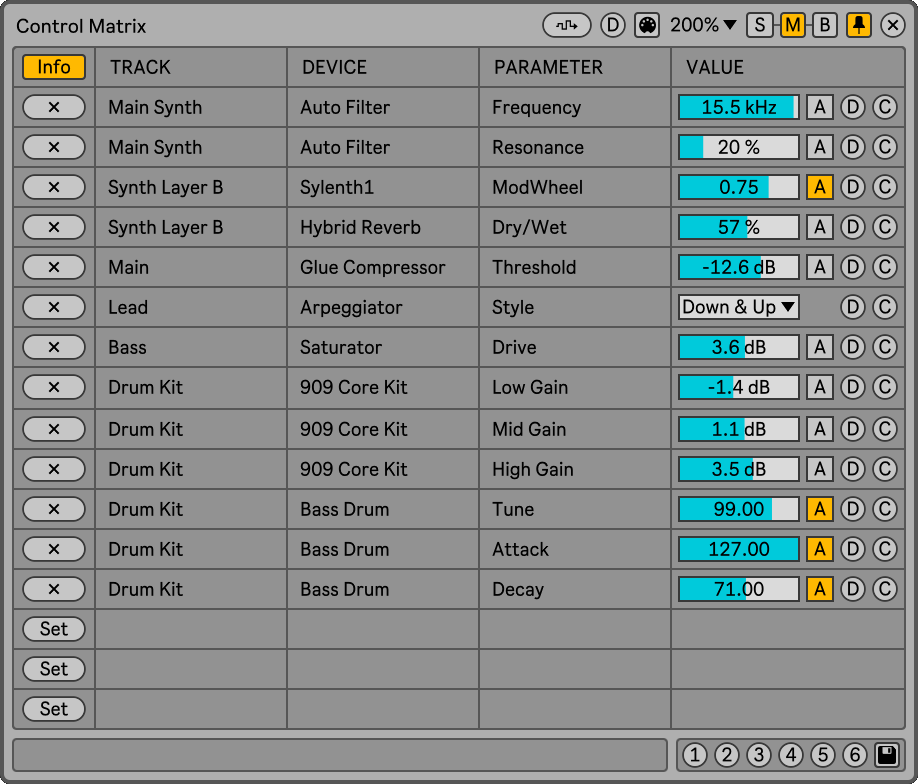
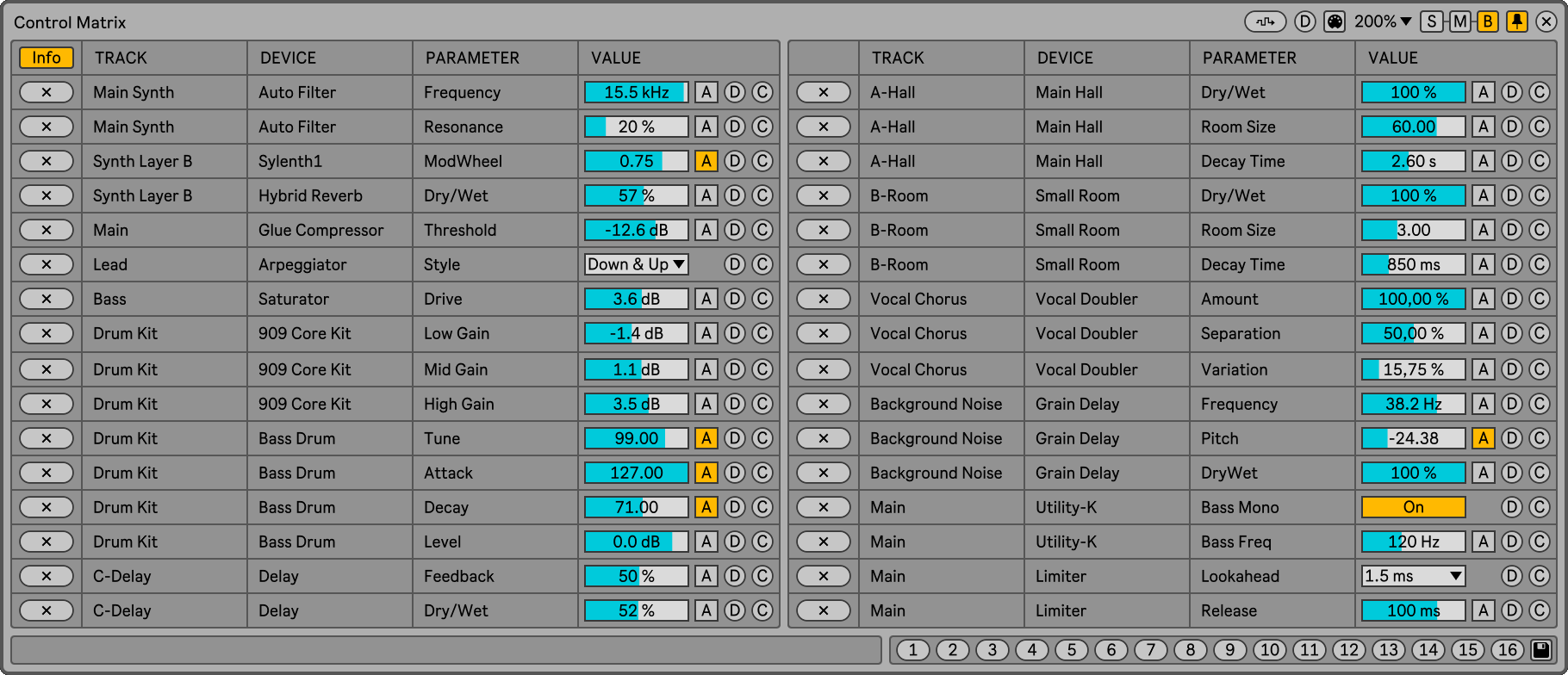
Control Matrix allows you to modify parameters of different tracks/devices in the same floating window without taking exclusive control of them. In addition to offering the convenience of having all parameters in one window, you can save up to 16 presets for A/B style comparisons.
There are certain tasks that require small changes to several tracks, which forces you to change tracks continuously (layering synths, for example). You can use some mapping device to have all the parameters grouped in one place. But it has the drawback that you won’t be able to use the controls on the tracks, since the mapping device will take exclusive control of them.
Adding parameters to the Control Matrix does not take exclusive control of them. You can continue to use the track/device controls and the changes will be reflected in the Control Matrix. This way the device does not affect your workflow.
Plus, with the ability to save presets, you can use the Control Matrix to perform A/B style comparisons anywhere in your project. Either on a single device or on multiple devices spread over different tracks. All without messing up Live’s undo history.
Additionally, for each control it is possible to add custom notes, adjust the randomization range, set a default value, set custom colors, and adjust the MIDI CC used for the remote control.
Control Matrix has 3 different window sizes, displaying 8, 16 or 32 parameters. If you need to control more parameters you can always load more instances of the device.

Check the manual before buy.
Buy Control Matrix now and get the latest version. Then later, all future updates free.
Showcase video
